

A virtual demo, a real room, and honest takeaways
When most people think about video conferencing systems, they are not focused on brand names or technical specifications. They care about whether meetings feel smooth or frustrating.
Can everyone be heard clearly?
Can remote participants see who is talking?
Does the meeting start without unnecessary friction?
That is the perspective we bring when evaluating any collaboration technology.
We recently participated in a virtual demo with the Neat team featuring the Neat Bar Pro paired with Neat Center. This was not a staged showroom experience. It was a live demo conducted in a real conference room, with one person physically present in the space and the rest of the participants joining remotely.
That context matters, so it is worth starting there.
The Room Was Big, Bright, and Full of Glass
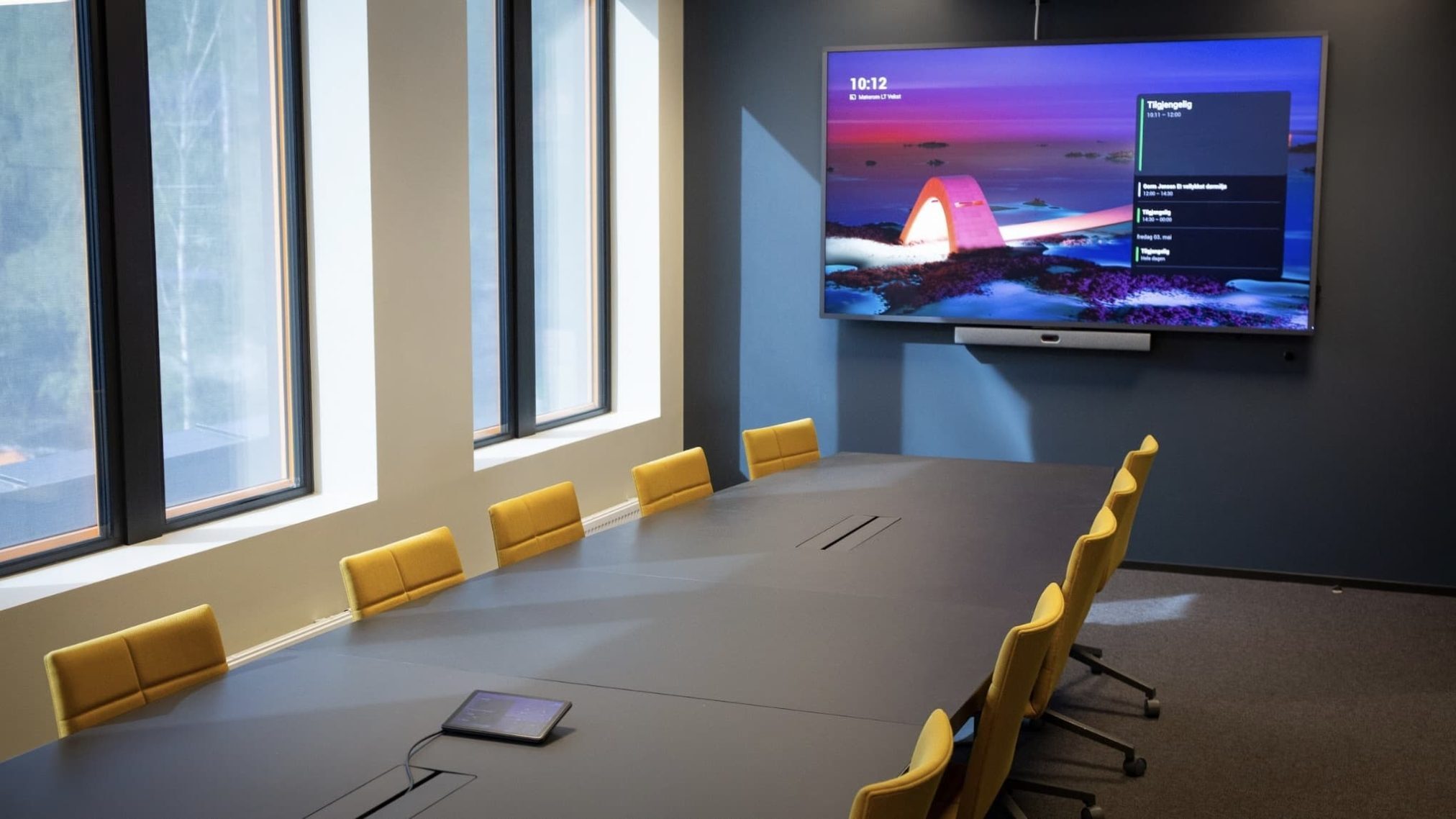
The demo room was a very large conference space with extensive glass walls. These rooms are common in modern office environments and look great, but they are not always friendly to audio and video.
Sound tends to reflect. Voices can feel distant. Cameras can struggle to make the room feel personal.
Even with only one person physically in the room during the demo, this type of space still revealed how the system handled less-than-ideal conditions.
What This Setup Is Designed to Do
At a high level, the Neat Bar Pro and Neat Center are designed to work together.
The Neat Bar Pro sits at the front of the room and handles the main camera, speakers, and overall video experience. The Neat Center sits on the table and is designed to support voice pickup and provide additional camera perspectives closer to where people normally sit.
The goal is simple. In larger rooms, relying only on front-of-room microphones and cameras can make in-room participants feel far away to remote attendees. This setup is intended to help close that gap.
Why the Neat Center Cameras Matter
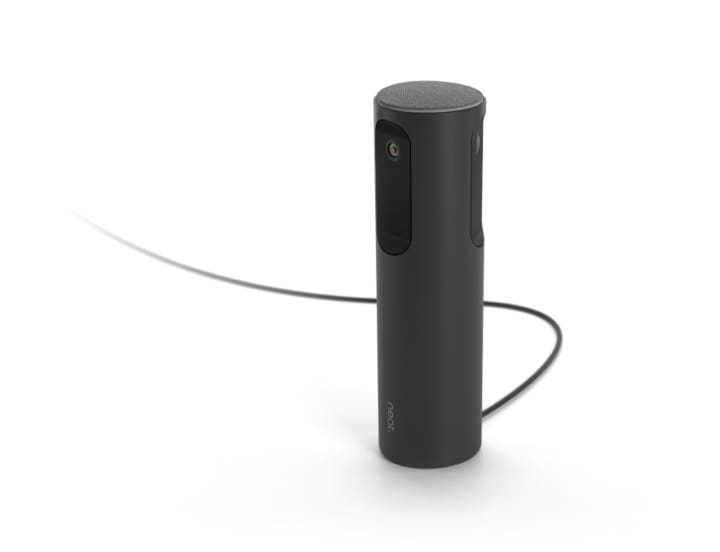
The Neat Center is not just an audio device. It also includes built-in cameras.
Even though there was only one person physically present in the demo room, the Neat team walked through how those table-level cameras are intended to be used in real meetings. In a typical scenario with multiple people seated around the table, these cameras help capture faces and reactions that a front-of-room camera may miss.
For remote participants, this can make meetings feel more balanced and engaging. Instead of seeing a wide shot where everyone appears small and far away, the system can help provide a more natural view of who is speaking.
The approach is not flashy or distracting. It is designed to support the conversation rather than draw attention to the technology itself.
Audio Was the Biggest Takeaway
Even in a virtual demo with only one person in the room, audio performance stood out.
Speech was clear and natural, without the hollow or echo-heavy sound that can be common in large, glass-heavy spaces. The system handled the room well, and the audio coming through felt balanced and easy to listen to.
Good audio often goes unnoticed, and that is a good thing. When people can hear clearly, meetings feel less tiring and more productive.
Video Was Clean and Professional
From a visual standpoint, the experience was straightforward and professional.
The camera image was clear and stable. There was no excessive movement or constant zooming that can become distracting in some systems. The overall video experience felt appropriate for business meetings, especially in leadership or client-facing settings.
As with any video system, proper placement and room layout still matter. No camera can fully overcome poor positioning, regardless of manufacturer.
Ease of Use Matters More Than Features
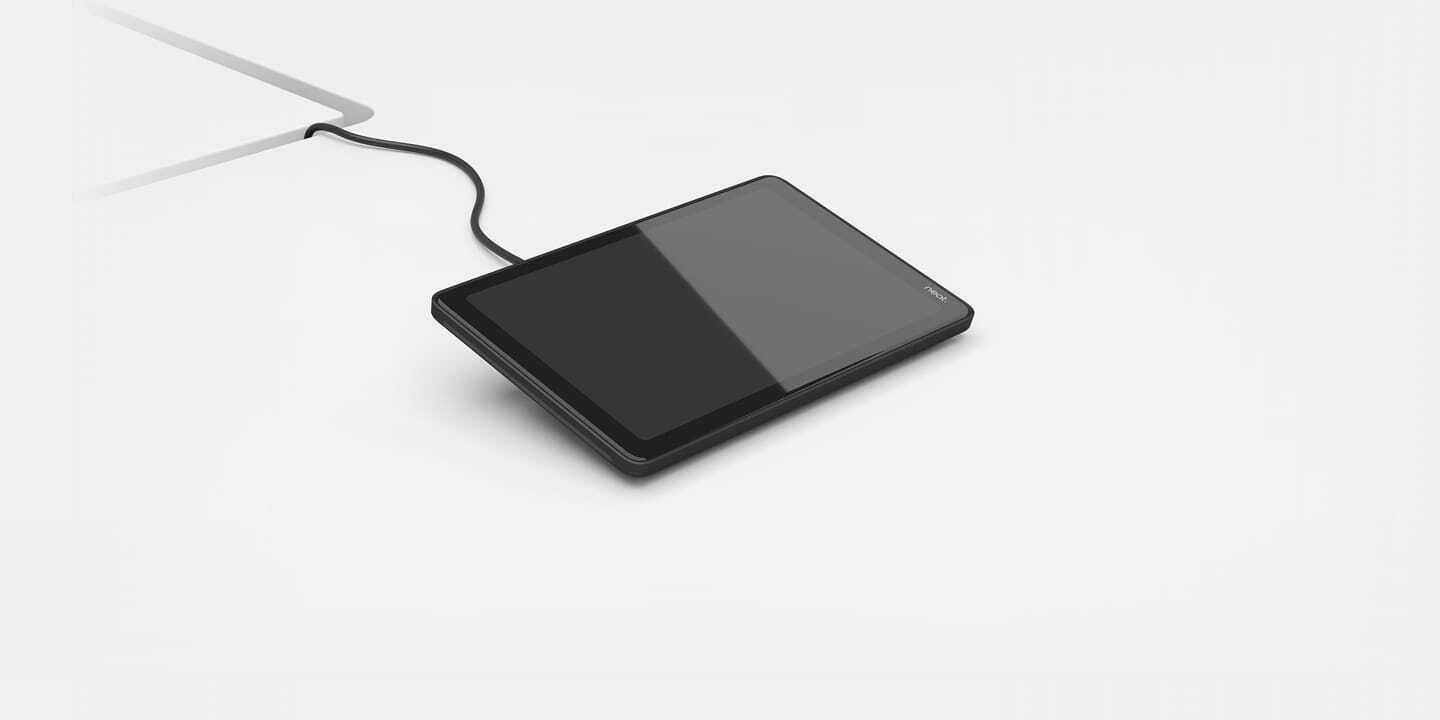
One of the most important takeaways from the demo was how approachable the system felt for everyday users.
Meetings start quickly. Controls are simple. There is very little to learn, which is critical in conference rooms used by many different people.
The Neat Center does introduce a physical device on the table, which is something organizations should consider during room design. Some users appreciate having a visible device supporting audio and video. Others prefer a completely clear table. There is no right or wrong answer, but it is part of the conversation.
This Is Not About Promoting a Single Brand
It is important to be clear about this.
There are many strong collaboration solutions available today, and no single system is the right answer for every room or every organization. This demo was not about choosing a favorite product. It was about understanding how one approach performs in a real-world space.
Room size, layout, usage, and expectations will always matter more than the logo on the hardware. In some rooms, a setup like this makes sense. In others, a different approach may be a better fit.
Final Thoughts
Even in a virtual demo with only one person physically in the room, the Neat Bar Pro paired with Neat Center demonstrated how thoughtful design can improve the meeting experience in larger spaces.
Audio was clear. Video was professional. And the concept behind table-level cameras made sense for rooms where participants sit farther from the display.
This is not a solution that needs to be forced into every conference room, and it is not meant to replace all other approaches. But as one option among many, it showed how the right tools, matched to the right space, can make meetings feel easier and more natural.
For most businesses, that is the real goal.
Meetings that just work.